Photoshop 3D
Support QBN: Build your portfolio with Krop

Photoshop 3D

  • Started
  • Last post
  • 5 Responses
  • Oldest
  • Newest
  • Popular
  • Active
  • CyBrainX

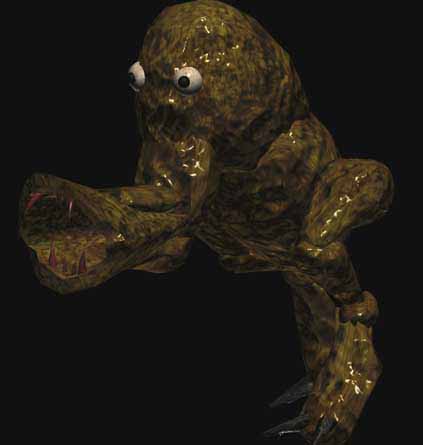
    I made the mistake of trying to use some 3D in Photoshop. Is there a way I can get rid of that and have my original layer back?

    CyBrainX
    Flag
  • 20020

    windows > workspace

    2002 0Permalink
    UpvoteDownvote
    Dogear
    Flag
    • well that didnt work2002
    Show [[ numHiddenNotes ]] more notesAdd Note
    SaveCancel
  • dbloc0

    undo?

    dbloc 0Permalink
    UpvoteDownvote
    Dogear
    Flag
      Show [[ numHiddenNotes ]] more notesAdd Note
      SaveCancel
    • CyBrainX0

      Ok, I was able to revert to saved. I promise never to use this "3D" again.

      CyBrainX 0Permalink
      UpvoteDownvote
      Dogear
      Flag
        Show [[ numHiddenNotes ]] more notesAdd Note
        SaveCancel
      • dbloc0

        dbloc 0Permalink
        UpvoteDownvote
        Dogear
        Flag
        • 3d is too advanced2002
        Show [[ numHiddenNotes ]] more notesAdd Note
        SaveCancel
      • ********
        0

        ********
        0Permalink
        UpvoteDownvote
        Dogear
        Flag
          Show [[ numHiddenNotes ]] more notesAdd Note
          SaveCancel
        Login or Register to respond to this.
        PrevNext
        PrevNext
        © 1999-2026 QBN LLC.
        • Log in
        • Register
        • Broadcast
        • Filter
        • Jingle
        Made with ❤ by Krop Build a Portfolio Website