I Need Help.
I Need Help.
- Started
- Last post
- 4 Responses
- _me_
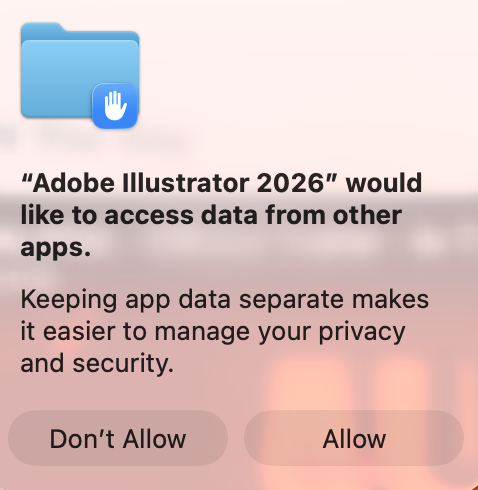
Every single time i open illustrator it asks me ?
Yes I allow - How can i make this go away ?
- noneck0
Ha ha. Same thing drove me crazy too. Give illustrator access to your drive in the MacOS security settings.
- AQUTE3
1. Quit Illustrator.
2. Open System Settings.
3. Go to Privacy & Security.
4. Open Full Disk Access.
5. Turn on Adobe Illustrator 2026.
If it is not listed, click + and add Illustrator from Applications.
6. Then check Files & Folders and make sure Illustrator is allowed for the folders you use.
7. Reboot the Mac, then open Illustrator again.
- _me_0
oh thank god - nice one AQUTE