Photoshop help
- Started
- Last post
- 7 Responses
- JamesBoynton
I have been tasked with artworking a few wedding pics and the effect they want is like this:
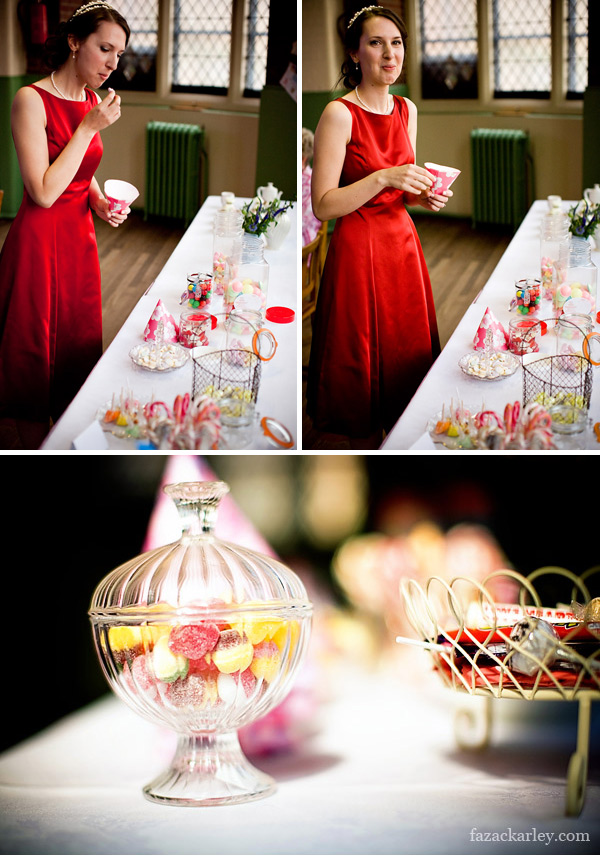
and also an option like this
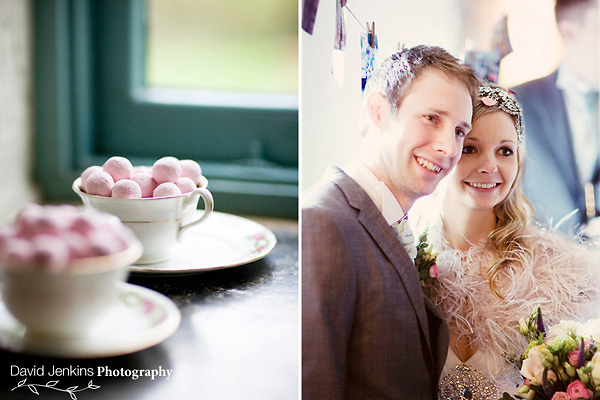
Anyone have any quick PS actions for something like this? any help would be great
Cheers
- rodzilla0
- just search through. there are a ton of useful bits.rodzilla
- This should go in The Useful Thread, mate!Continuity
- JamesBoynton0
Perfect! Thanks Rodzilla
- ********0
Faking depth of field?
Not a one-click thing but a relatively easy way is just to duplicate the base layer and blur it a lot. apply a bottom-top gradient as a mask (black to white) so you get the in focus bit roughly as you want it. Then paint over the mask where the object blurs when it shouldn't.
One flaw with the result is that the edges get blurred (dreamlike).
With a tablet this gets very quick to do. For a magazine e.t.c the result isn't good enough (which is why they have the photographers do this in the first place) but for a family wedding sort of a thing most people see it as impressive.
This example doesn't look great, but that's partly because it took around about 5 minutes to do from opening the file to saving it.

- Continuity0
^
The alternative is to simply select and cut out the subject to be in focus, and pate it to a new layer, then apply the gradient mask and blur to the background, then position the subject back into place.
- Hombre_Lobo0
Rodzilla you hero!
I've been getting some nice effects for my photos, like cross process, manually, but these look good. Cheers!
- I have more on a different computer I'll try to repost them when I get there.
rodzilla
- I have more on a different computer I'll try to repost them when I get there.
- ********0
no actions or effects needed.
just shoot wide open with a long lens.