Print Biz card Q
- Started
- Last post
- 18 Responses
- Louno
Hi ,
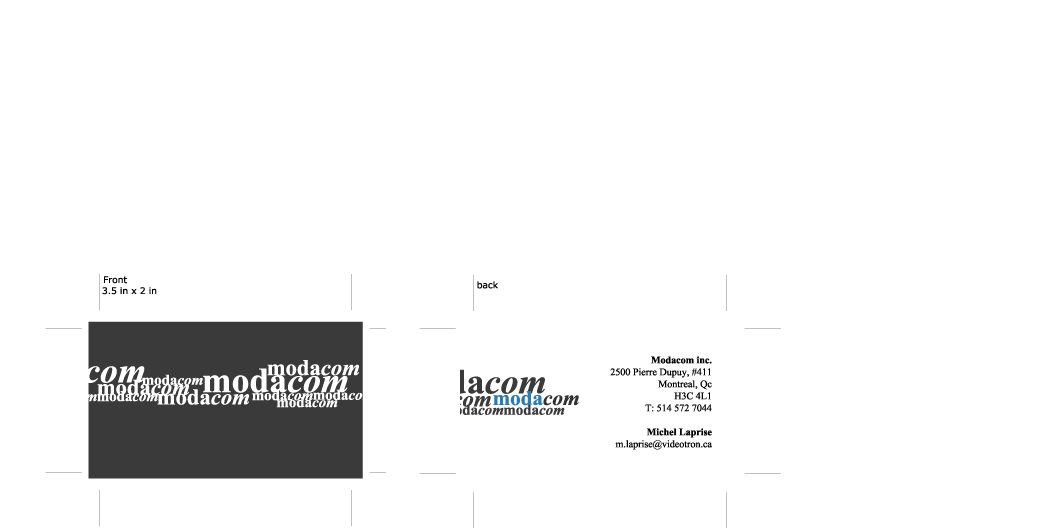
Im using times new roman on a bizness card that im sending to a client , he will then go somewhere to make it print.Do i have to "create Outline" on all text ?
or can i juste leave it like that , i figure that they should have the font Times ? but i dont know , maybe its better to create outline ?
- taragee0
vena says create outlines
- Louno0
why ?
- swollenelbow0
always create outlines. you never know. it's a standard practice.
- Louno0
but isnt the create outline quality a little bit less good thant when u use the actual font ?
what if you provide the fonts with the .ai files ?I will create outline , but i just want to know the reasons :)
- kerus0
creating outlines is every but as good as the font, its the same vectors.
and you should always create outlines if youre not including fonts and instructing the printer to use YOUR specific fonts...
some people/places have custom kerned fonts etc and you can end up with a mess.
- Gorbie0
I would include the font files. Never rely on their version of times to be the same. It won't be.
I would only create outlines if they are using some printer of their choice, and handling the job themselves. They're bound to fuck up if you leave any room for error. And they will definately blame you.
- Submerse0
I'm doing biz cards at the moment too. I really don't think there is a reason NOT to create outlines for the client's file. Of course you would want to keep the editable AI file for yourself, but giving them the outlined version prevents them from messing anything up.
- kodap0
I never give away vectors. they can still play around with it and screw your work.
only if clients want so (eg. technical issues like 2-5 pantone colors artwork.)
- swollenelbow0
also always check attributes on your object. round objects at less than 300 will start breaking up into jagged edges instead of round curves.
- Louno0
uh?
- Louno0
sorry for posting this twice :
Help , i need to send this biz card to the printer like right now.But i need the pantone colors ?
where / how do i get these .never did this ....
how does it work ? i can convert my file from RGB to CMYK , but there is not an option for Pantone...I use only 2 color , 2A7CB6 (Blue) and 3A3A3A (dark grey)
- kodap0
convert to cmyk
- Louno0
... its already in CMYK ... i sent this to the printer and he said he needed the pantone numbers ...
- monkeyshine0
Go to the swatch library and choose Pantone.
- sauerbraten0
if you need Pantone specific colors, break the seperate pantone colored elements into different layers, open Window: Swatch Libraries: Pantone (Coated, Uncoated, Matte) depending on the paper stock you're printing on, printing with a few pantone colors is an option, or you can simply print it CMYK (4 color process) and find the Pantone Proccess color values for CMYK in books or possibly on the web..
i've heard from numerous seasoned print designers that you should always include the font files for your print job and not to create them as outlines, the print quality/control is much better if the job is printed from the font itself instead of vectors, but it all depends on the quality you care about.. but DEFINATELY if you keep it as text, include the file you set it in, they might have a different version of your type, and it's all fucked then..
- Louno0
everyone in here tell me to always create outline that quality is the same... soo who is right and who is wrong ?
- sauerbraten0
if you want it to look the best include the font file with your print job and leave it as text. this is standard practice in the "print industry"
creating outlines is a shortcut, but less sure of getting EXACTLY what it should look like
- sauerbraten0
if you're going to do more print jobs in the future, i highly recommend purchasing the pantone chip books to know exactly what your printed ink will look like upon printing
what it looks like on screen will most likely look very different from printed matter